


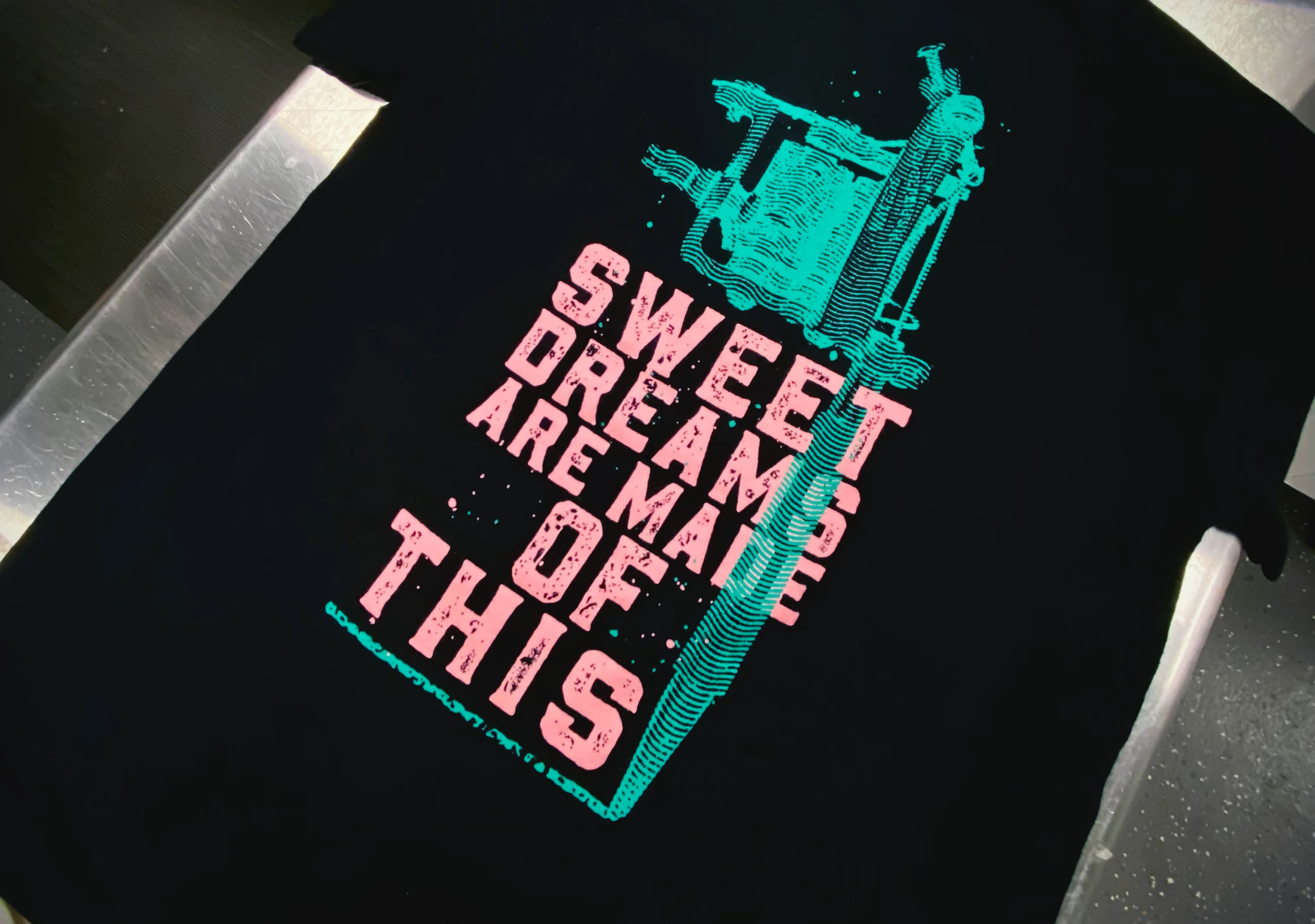
Hybrid screen printing represents the pinnacle of custom apparel decoration, combining multiple ink types within single designs to create stunning visual effects that single-method printing cannot achieve. This advanced technique merges plastisol, discharge, and water-based inks, each requiring precise file preparation, specialized color management, and exact registration systems with 0.5mm tolerance requirements. When appropriately executed, hybrid printing produces premium apparel with dimensional effects, soft-hand bases, and vibrant overlays that command higher retail value and customer satisfaction.
The complexity of multi-ink printing projects demands technical expertise in file preparation that goes well beyond standard screen-printing requirements. As industry leaders with 15+ years of experience in advanced printing techniques, our professional screen printing services have developed comprehensive protocols for preparing artwork that executes flawlessly across multiple ink applications.
This definitive technical guide provides designers, brand owners, and print professionals with the complete knowledge needed to prepare print-ready hybrid artwork, reducing revision cycles and ensuring professional results that showcase the full potential of multi-ink screen printing technology.
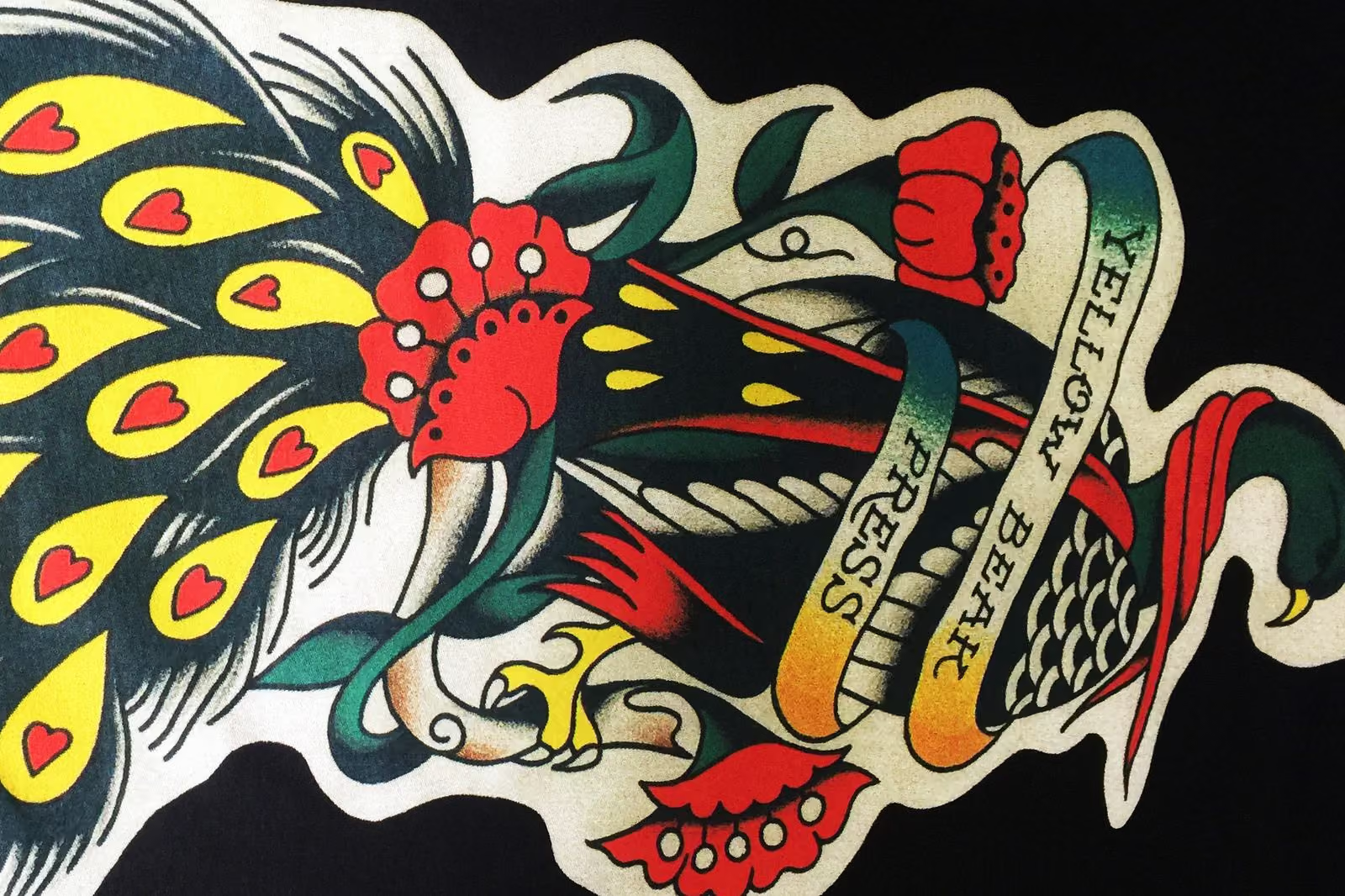
Hybrid screen printing requires architectural file organization, with each ink type receiving dedicated layer attention. Plastisol inks provide opaque coverage and vibrant colors; discharge inks create soft-hand effects by removing fabric dye; and water-based inks deliver eco-friendly, transparent effects. These three ink chemistries interact differently with various fabric substrates, demanding independent file preparation that accounts for absorption rates, curing temperatures, and application sequences.
Vector artwork format is non-negotiable for hybrid printing design excellence. Unlike raster images that pixelate when enlarged, vector files maintain perfect edge quality at any size, enabling precise color separation and registration alignment across multiple ink layers. Our professional screen printing services accept Adobe Illustrator (AI), Encapsulated PostScript (EPS), and high-quality PDFs with vector data preserved.
Layer organization requires systematic naming conventions that clearly identify ink types and functions. Create logical structures such as "discharge_underbase," "water_based_soft_feel," "plastisol_highlights," and "metallic_effects." Each layer should contain exclusively the elements intended for that specific ink type, with registration marks placed on separate layers that don't interfere with design elements.
Color separation represents the most technically demanding aspect of screen printing file prep in hybrid projects. Each ink type requires independent color channels with specific considerations for fabric interaction, opacity levels, and application order. Discharge inks chemically remove fabric dye before depositing new color. In contrast, water-based inks penetrate fabric fibers for a softer integration, and plastisol inks sit atop fabric surfaces for vibrant, opaque coverage.
Pantone color matching becomes exponentially more complex in hybrid screen printing applications. Our facility maintains 300+ pre-mixed Pantone colors across all ink categories, but designers must specify which ink type should be used for each color element. The same Pantone number appears dramatically different when reproduced in discharge versus plastisol due to differences in application methods and fabric interactions.
Color interaction planning is essential when different ink types overlap within designs. Water-based transparent overlays over discharge bases create vintage effects, while plastisol elements over discharge provide vibrant contrast. Understanding these interactions enables designers to develop intentional visual effects that leverage the unique properties of each ink chemistry.
Registration systems for hybrid printing require enhanced precision beyond standard screen printing capabilities. The 0.5mm tolerance demands multiple reference points, including corner marks, center references, and additional alignment points for complex designs. Place registration marks strategically outside the design area (at least 1 inch from the edges) but within the screen's printable area to ensure visibility during printing.
Vector creation for hybrid screen printing begins with properly configured document settings that match the actual print dimensions. Create documents at 100% scale rather than designing smaller and enlarging to maintain stroke weights, detail integrity, and proportional relationships between design elements. Set color modes appropriately—CMYK for full-color effects or spot colors for precise color matching across ink types.
Minimum stroke weights vary by ink type and fabric substrate in hybrid printing design applications. Our specialists recommend a minimum stroke weight of 1 point for most plastisol applications, while discharge and water-based inks can handle finer details due to their fabric-penetrating characteristics. Consider ink viscosity and fabric absorption when determining minimum line weights for optimal reproduction.
Path optimization ensures clean screen printing file prep results across all ink types. All vector paths should be joined adequately with no stray points, unclosed shapes, or overlapping elements that might cause registration issues. Use pathfinder tools to combine overlapping shapes for clean edges that register perfectly across different ink applications and curing processes.
Text handling requires special consideration in preparing apparel artwork for hybrid projects. Convert all text to outlines or provide fonts with submissions to avoid substitution issues that compromise design integrity. Minimum text size varies by ink type—discharge and water-based inks handle smaller text better than plastisol due to superior fabric integration and soft-hand characteristics.
Color specification clarity is essential for hybrid screen printing success across multiple ink types. Each color element should be clearly labeled with the intended ink type using Pantone color codes that specify exact color reproduction. Create comprehensive color legends within files specifying which ink type handles each design element and how different color interactions should appear in final production.
Spot color usage provides advantages in hybrid printing design projects compared to process colors. Spot colors maintain single-plate separation that works better with multi-ink approaches, ensuring precise color matching across different ink applications. Professional specialists recommend spot colors for most applications requiring brand color consistency and accurate color matching across multiple ink types.
Color interaction documentation becomes critical for complex screen-printing file-prep projects involving multiple ink overlap zones. Include detailed notes about how different color elements should interact—specifying transparent overlays, color blending effects, undertone considerations, and specific visual effects for production teams executing complex hybrid printing sequences.
Low-resolution artwork represents the most common costly mistake in hybrid printing preparation. Submitting 72 DPI raster images, embedded low-resolution elements, or improperly scaled vector files creates quality issues that become apparent when multiple ink types must align precisely within a 0.5mm tolerance.
Professional Solution: Create all artwork elements at 300+ DPI for raster components, and use the original vector files for primary design elements. Test elements at actual print size to ensure adequate resolution and clarity across all ink types. Use Zoom tools to inspect critical areas for potential quality issues that might affect registration accuracy.
Incorrect file formats cause significant production delays and compromise color separation capabilities essential for hybrid projects. JPEG files, Word documents, PowerPoint presentations, or web-optimized PNGs lack the layer separation and color management features necessary for multi-ink applications.
Professional Solution: Submit only appropriate vector formats (AI, EPS, PDF) with preserved vector data and intact layer structures. Ensure files maintain their vector integrity during transmission and file compression to prevent unintended rasterization that would compromise color separation accuracy.
Embedded font issues cause unexpected text substitutions, destroying design integrity. Custom fonts without accompanying font files or proper outline conversion lead to automatic font substitution that alters text appearance, spacing, and overall design balance across different ink applications.
Professional Solution: Always convert text to outlines using vector software outline functions or provide all necessary font files (including screen and printer fonts) with submissions. Test font conversion to ensure no unintended character changes occur during outlining.
Inadequate color separation creates confusion about the application of techniques and the assignment of ink types. Failing to properly separate design elements by ink type leads to incorrect applications, color contamination between ink types, and expensive revision cycles that delay project timelines.
Professional Solution: Create comprehensive color-separation plans, using dedicated layers for each ink type, with clear labeling, color coding, and detailed instructions. Use separate design files when complexity warrants additional clarity, and include cross-reference documentation that shows how the files integrate during production.
Insufficient registration marks cause alignment failures in multi-ink projects requiring 0.5mm precision. Standard registration marks designed for single-method printing prove inadequate for hybrid screen printing's enhanced requirements, leading to misregistration between different ink types.
Professional Solution: Implement enhanced registration systems with multiple reference points, including corner marks, center references, and additional alignment points positioned outside the design areas but within screen-printable zones. Test registration systems using actual screens to verify they provide adequate guidance for precise multi-ink alignment.
Poor color choice for specific ink types leads to disappointing results and compromised design intentions. Colors performing well with one ink type may reproduce poorly with others due to different chemical interactions with fabric substrates and varying application characteristics.
Professional Solution: Consult with printing professionals during color selection to understand fabric interactions, ink capabilities, and color reproduction characteristics across different ink types. Request printed samples showing how specific colors appear when reproduced using different ink chemistries.
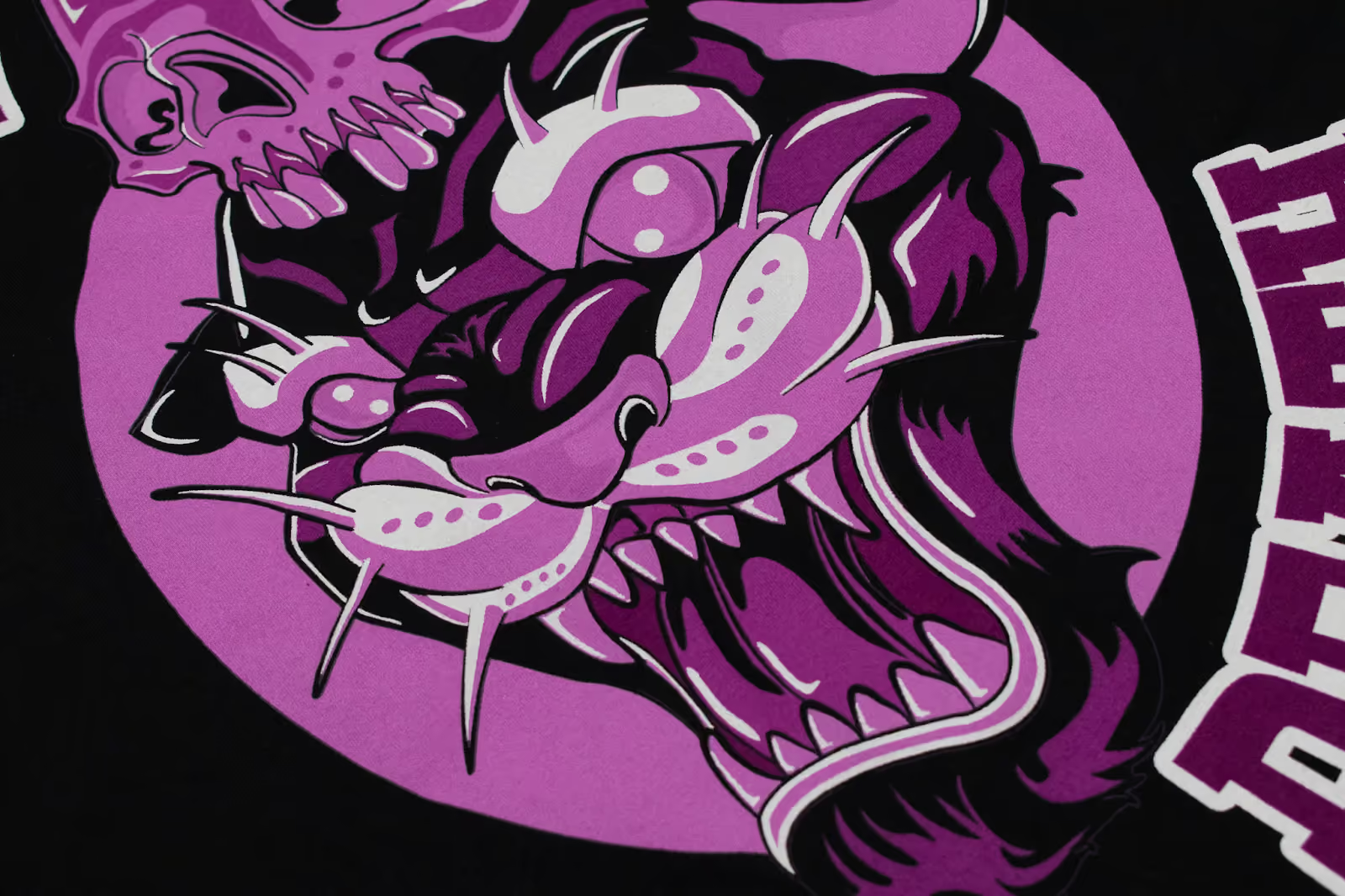
Gradient and transparency handling requires specialized knowledge of different ink type capabilities. Water-based inks excel at creating subtle, transparent effects through fabric penetration, while plastisol inks require sophisticated halftone patterns to simulate gradient effects because of their opaque nature.
Professional Solution: Plan gradient techniques based on intended ink type characteristics. For water-based applications, create accurate transparency gradients that utilize fabric penetration for smooth color transitions. For plastisol elements, design with appropriate halftone patterns (45-65 LPI depending on fabric) that effectively simulate gradient effects while maintaining print quality.
Metallic and special effects demand specific preparation approaches and technical understanding. Metallic, puff, reflective, and other special-effect inks typically work best with particular ink bases and require specific preparation techniques to achieve desired visual effects.
Professional Solution: Consult with printing specialists on special-effect requirements during the design phases. Create separate layers for special-effect elements, with clear labeling specifying the intended treatment, application sequence, and any special curing requirements. Request printed samples to verify special effects meet expectations before final production.
Production timeline planning requires understanding extended production needs for hybrid projects. Multi-ink projects require significantly more time than single-method printing due to additional setup requirements, sequential printing processes, extended curing times, and potential quality control interventions between ink applications.
Professional Solution: Plan 3-4 week production timelines for complex hybrid projects. Include adequate time for file preparation, proofing cycles, potential revisions, and extended production requirements. Communicate timeline expectations to all stakeholders to ensure realistic project planning and delivery scheduling.
What file formats are required for hybrid screen printing projects?
Professional hybrid printing requires vector formats: Adobe Illustrator (AI), Encapsulated PostScript (EPS), and high-quality PDFs with vector data preserved and layer structures intact. These formats enable precise color separation, registration alignment, and scaling capabilities necessary for multi-ink projects requiring 0.5mm tolerance accuracy.
How do I separate design elements by ink type in complex designs?
Create separate layers for each ink type with systematic labeling using color coding. Include detailed color legends within the files, specifying which ink type is used for each design element. Provide comprehensive notes about color interactions, application sequences, and intended visual effects when different ink types overlap within designs.
What registration systems work best for multi-ink hybrid projects?
Enhanced registration systems with multiple reference points are required for hybrid printing's 0.5mm tolerance requirements. Include corner marks, center references, and additional alignment points positioned outside the design areas but within the screen-printable areas. Color-code registration elements and test systems using actual production screens to verify effectiveness.
How does color management differ for hybrid versus single-ink printing?
Pantone colors appear significantly different across various ink types due to other application methods and fabric interactions. Specify the exact ink types for each color element, accounting for fabric color effects and undertone influences. Use spot colors for precise matching and request printed samples showing how specific colors reproduce using different ink chemistries.
What are the most critical mistakes to avoid in hybrid printing preparation?
Critical errors include low-resolution artwork (72 DPI), incorrect file formats (JPEG, Word documents), embedded fonts without font files, inadequate color separation by ink type, insufficient registration marks for precision alignment, and a poor understanding of ink interaction effects. Always convert text to outlines and provide proper vector files with clear layer organization.
How long do hybrid printing preparation and production take?
Allow 3-4 weeks total for complex hybrid projects: 1-2 weeks for file preparation and color separation testing, 1 week for proofing and approval cycles, and 1-2 weeks for production, including setup, printing, curing, and quality control. Simple hybrid projects may require 2-3 weeks, while complex multi-ink designs with special effects may require extended timelines.
Mastering hybrid apparel printing means uniting creative artistry with technical excellence. By combining plastisol, discharge, and water-based inks, designers unlock unique visual depth, soft-hand finishes, and high-impact color vibrancy. With proper file preparation and ink management, your designs achieve unmatched quality, efficiency, and professional-grade consistency, setting your brand apart in competitive markets.
Extreme Screen Prints empowers designers and apparel brands to achieve flawless hybrid printing results. With over 15 years of industry expertise, precision ROQ equipment (±0.5mm registration), and a 300+ Pantone color library, our team ensures every print meets the highest production standards. Call 616-202-1133 to connect with our technical specialists for immediate assistance.
Experience the full potential of hybrid screen printing with expert guidance and production-ready file prep. Schedule your consultation or Book online to begin your premium hybrid printing project today.


